01
Owner: activate in the app
Download LoopTag, create an account and verify your email. Use the app's Scan screen to add your QR product to your account.
Protect your wallet, keys, luggage, or pet with AI-assisted QR tags. Whoever finds it can reach you safely with one tap.
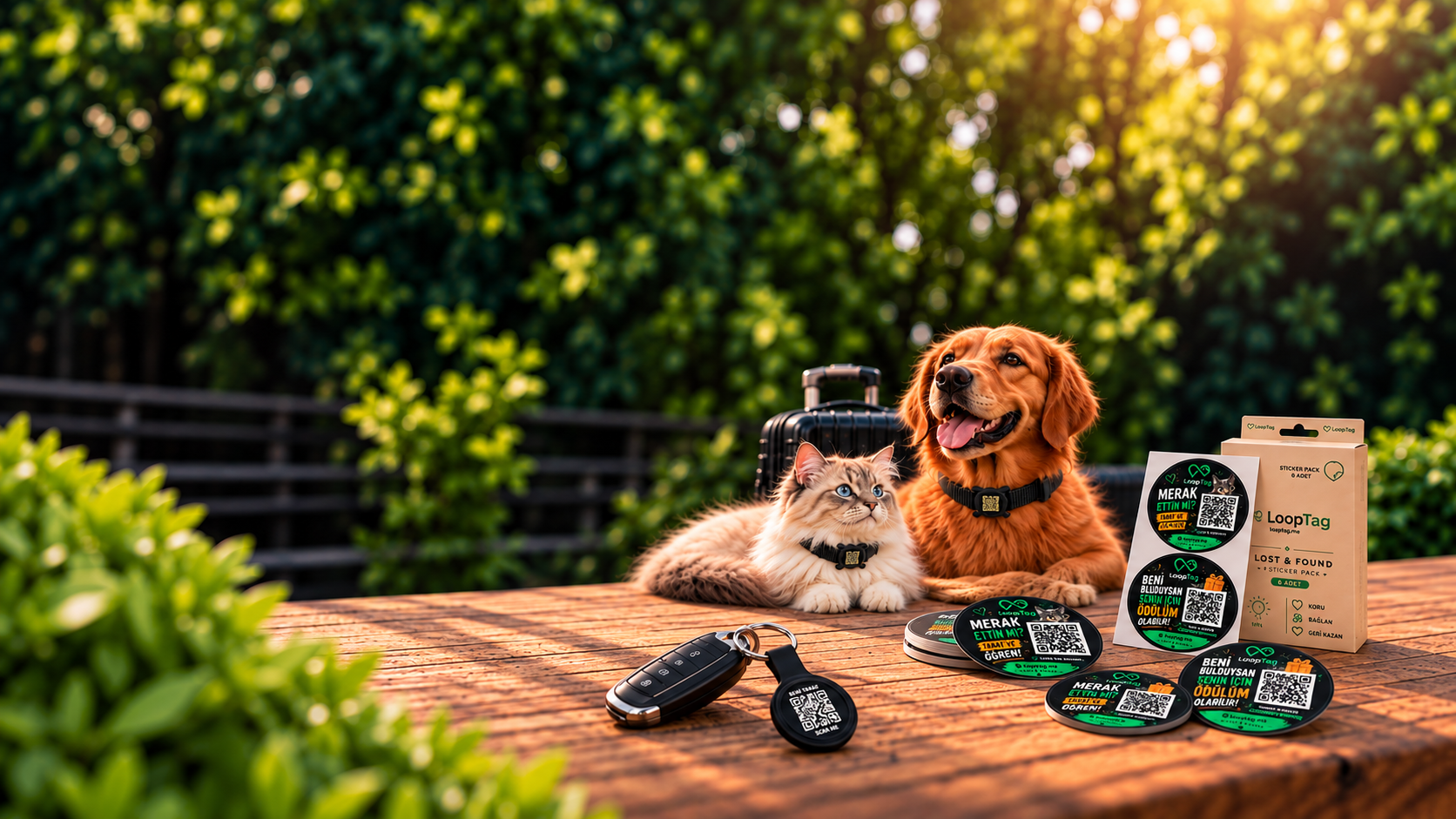
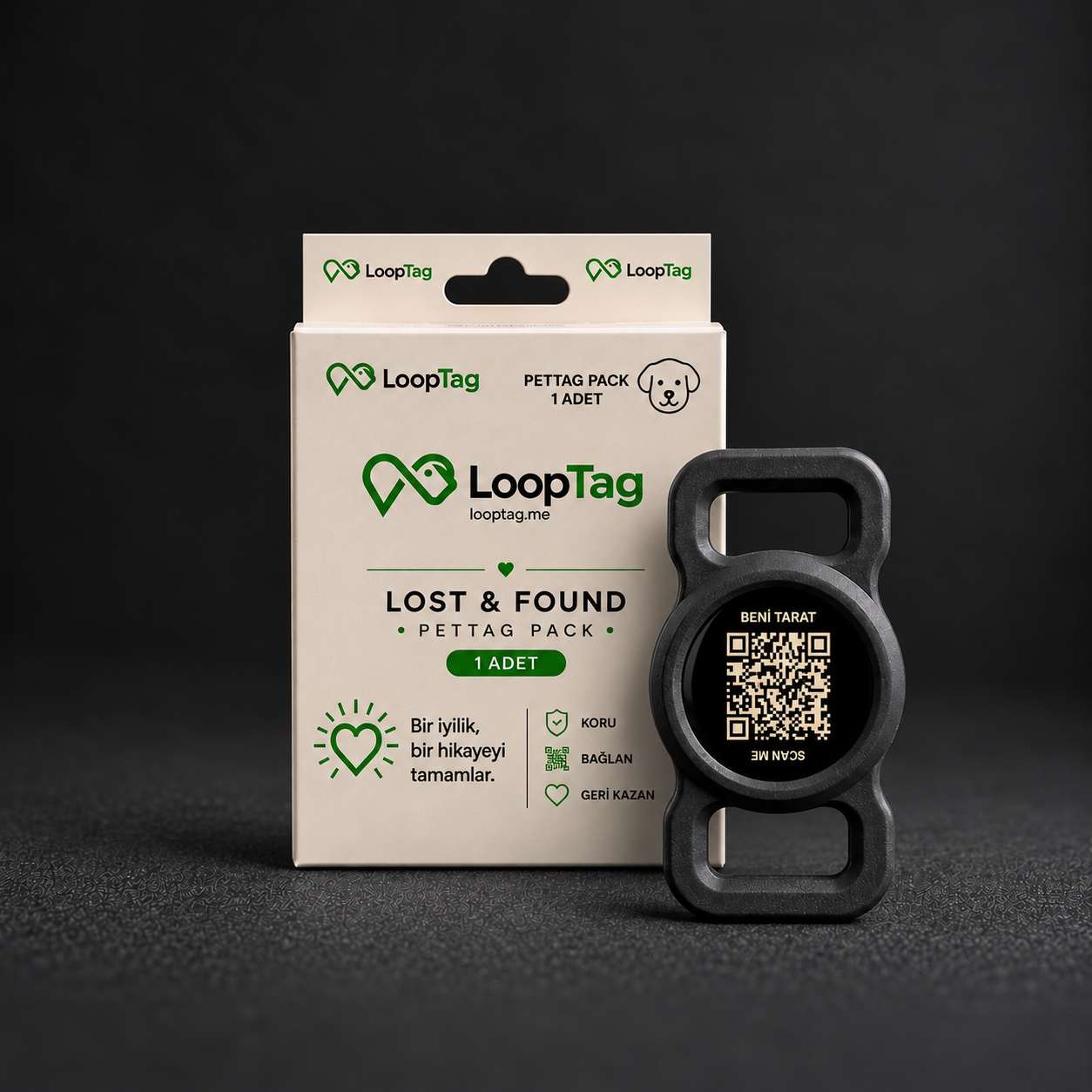
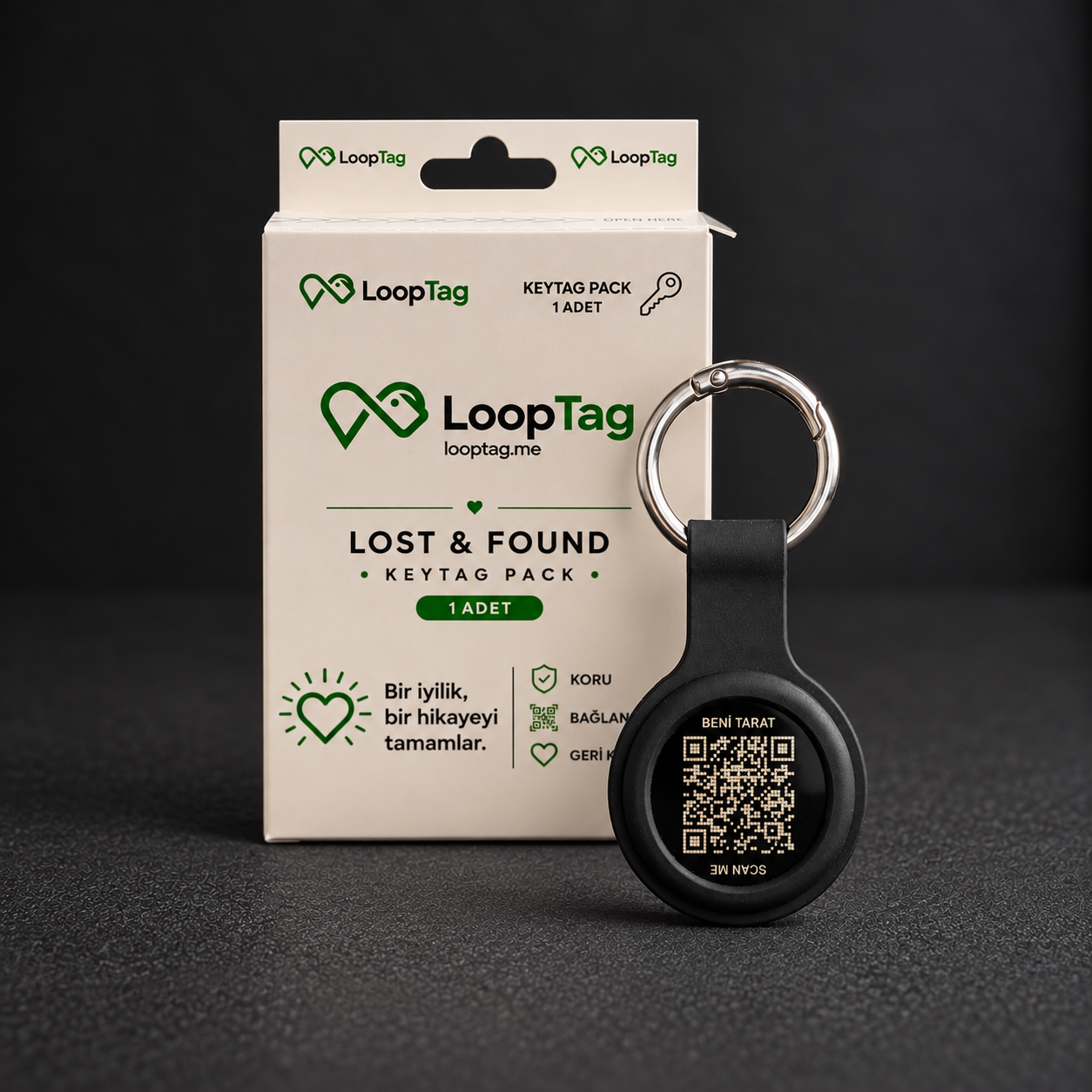
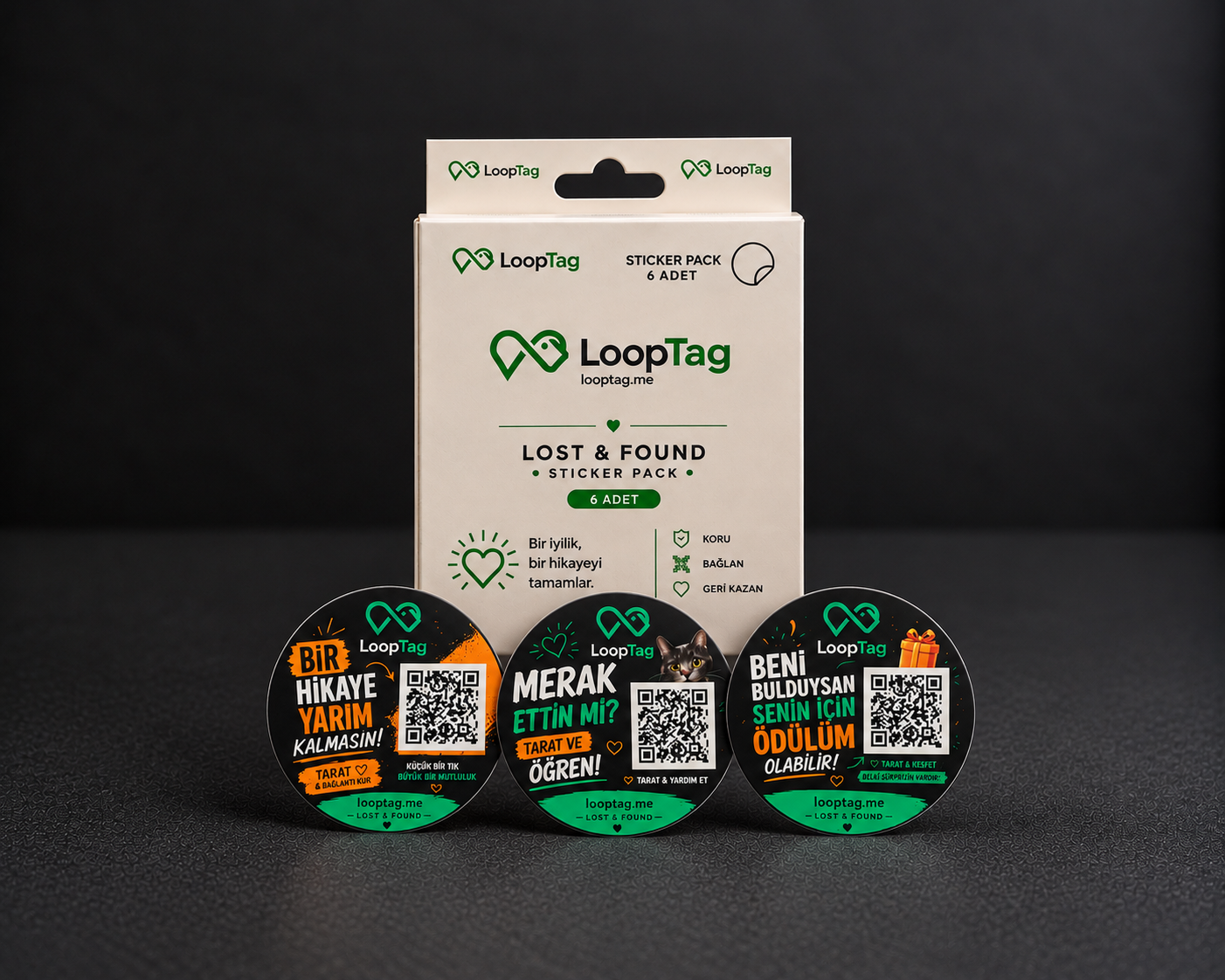
LoopTag product family
How it works
The product owner uses the LoopTag app. The finder can get in touch using their phone camera and web browser, without downloading an app.
Download LoopTag, create an account and verify your email. Use the app's Scan screen to add your QR product to your account.
Attach or stick your LoopTag to your keys, bag or another item you want to protect. A PetTag can be attached to your pet's collar.
The finder scans the QR code with their phone camera to open the web finder page. No app download or account is needed.
The finder can send a message or choose to share their current location with browser permission. The owner can check notifications in the app; push alerts depend on device permission and connectivity.
One tag for every valuable item
Secure and simple
LoopTag is a physical QR product that helps connect you with the person who finds your item. It is not a GPS device or a continuous location tracker; contact depends on the finder scanning the code and choosing to share.
The physical LoopTag product has no battery or electronic tracking hardware. An internet-connected phone is used to scan the code and get in touch.
There is no live or continuous location tracking. A location is sent only if the finder chooses to share it and grants browser permission.
The finder opens the QR code with their phone camera and sends a message or location through the website. The owner uses the mobile app.
The finder sends messages through the website. Your account phone number and email are not automatically displayed there; anything you write in your public note is visible.
View your activated LoopTag products under one account. Manage product names and notes, and check their notifications in the app.
Add a reward note to the finder page if you wish. This is a message you set, not an automatic payment or a guaranteed reward.

The owner's app
Activate your products, manage your notes and check scan, message and location notifications. Download LoopTag for iPhone and Android.
Explore the app
Found a LoopTag? You don't need the app. Simply scan the product's QR code with your phone camera.
Card payments are processed on the PayTR payment screen. Card acceptance is subject to approval by the bank and payment provider.